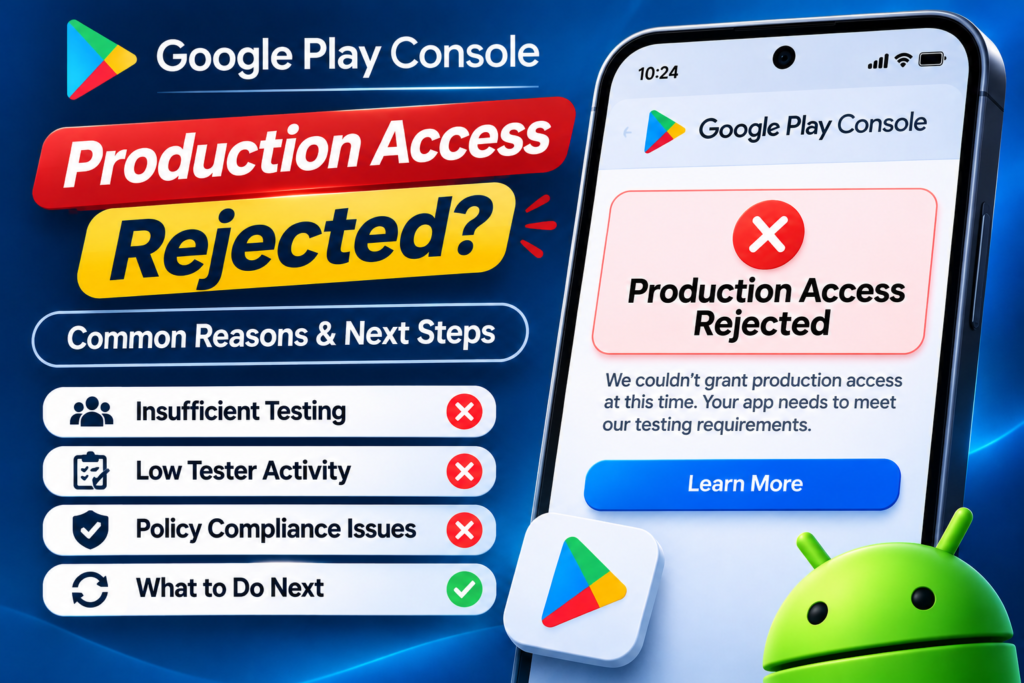
Getting a Production Access Rejected notification on Google Play Console can be frustrating, especially after spending weeks recruiting testers, improving your application, and completing the closed testing requirement. Many developers expect their apps to receive production access after meeting the minimum testing conditions, but Google may request additional testing before allowing a public release.
If your Production Access Rejected application has left you confused about what to do next, the most important step is to understand why Google did not approve your request. Simply submitting another application without improving your testing process may lead to the same result.
Google evaluates several aspects of production readiness, including tester engagement, feedback, application functionality, and compliance with Google Play policies. This guide explains the common reasons for Production Access Rejected, how to fix them, and how to prepare a stronger application for your next submission.
What Does Production Access Rejected Mean?
Production Access Rejected means your application has not received permission to move into the production release stage following your production access review.
For eligible personal developer accounts created after 13 November 2023, Google requires a closed test with at least 12 testers opted in continuously for 14 days before developers can apply for production access.
However, completing these minimum requirements does not guarantee approval. Google also asks questions about your closed testing process, your application, and your production readiness.
If your application is rejected because additional testing is required, Google may expect you to continue your closed test, improve tester engagement, and provide better evidence that your app is ready for real users.
It is important to read the actual notification because a request for more testing is different from a rejection caused by a Google Play policy violation.
9 Common Reasons for Production Access Rejected
Understanding why your Production Access Rejected application was unsuccessful can help you avoid repeating the same mistakes.
1. Insufficient Tester Engagement
One common reason for a production access application to be unsuccessful is insufficient tester engagement.
Having 12 testers opted in does not automatically demonstrate that your application has been thoroughly tested. Google wants developers to understand whether testers explored the available features and whether their usage was similar to expected real-world behaviour.
If testers only joined the testing programme without actively exploring the app, your testing evidence may be weak.
What to fix:
- Recruit testers who match your intended audience.
- Give testers clear instructions.
- Encourage them to explore the main features.
- Ask them to report bugs and usability problems.
- Collect feedback throughout the testing period.
Improving engagement can strengthen your next Production Access Rejected application by demonstrating that genuine testing took place.
2. Fewer Than 12 Testers Remained Opted In
For applicable personal developer accounts, Google requires at least 12 testers to remain opted in to a closed test continuously for the 14 days immediately preceding the production access application.
If testers leave the programme, the required continuous opt-in period may be interrupted.
Remember that sending invitations does not mean people have successfully opted in.
What to fix:
- Check the number of opted-in testers.
- Confirm that testers joined using the correct Google accounts.
- Make sure at least 12 testers remain opted in.
- Ask testers not to leave the testing programme during the required period.
- Verify the testing status before applying again.
This is an important check when investigating a Production Access Rejected notification related to testing eligibility.
3. You Did Not Collect Meaningful Feedback
Google asks developers to summarise the feedback received during closed testing and explain how it was collected.
If you cannot describe what testers experienced or what you learned from their feedback, your production access application may not demonstrate sufficient testing.
What to fix:
- Create a feedback form.
- Ask testers about specific app features.
- Record reported bugs and usability problems.
- Review feedback in Play Console.
- Identify repeated issues.
- Explain what improvements you made.
Do not invent feedback or claim that issues were fixed if they were not. Honest, specific information makes your next application more credible.
4. Your App Contains Bugs or Broken Functionality
An application that crashes, freezes, or contains broken features may not be ready for production.
For example, users might be unable to register, log in, navigate between screens, submit forms, or access important features.
Before addressing Production Access Rejected, thoroughly test the complete user journey.
What to fix:
- Resolve application crashes.
- Repair buttons and links that do not work.
- Test registration and login.
- Fix API and server connection problems.
- Check important forms and screens.
- Test the app on different supported devices.
You should also review available pre-launch reports and technical warnings to identify problems before applying again.
5. Your Production Access Answers Were Too General
The production access application includes questions about your closed test, your app or game, and your production readiness.
Providing vague answers may make it difficult to demonstrate that you understand your app’s users and have learned from testing.
For example, simply writing “testers liked the app” does not explain which features they used or what feedback they provided.
What to fix:
Provide specific information about:
- How you recruited testers.
- Whether testers used the available features.
- Whether their usage matched expected real-world behaviour.
- What feedback you received.
- What changes you made after testing.
- How you determined that the application was ready.
When resolving Production Access Rejected, make sure every answer accurately reflects your actual testing experience.
6. You Did Not Improve the App After Testing
Testing should help developers identify and resolve problems before public release.
If testers report issues but you make no meaningful improvements, your application may not demonstrate sufficient progress towards production readiness.
What to fix:
- Review all tester feedback.
- Identify important functionality problems.
- Prioritise serious bugs.
- Improve confusing screens and navigation.
- Release an updated testing version when necessary.
- Ask testers to verify the improvements.
Your next Production Access Rejected application should explain what you learned and how those findings influenced the development of your app.
7. Your Application Does Not Follow Google Play Policies
Production access and Google Play policy compliance are related but separate concerns.
Even if your testing process is complete, your application must follow applicable developer policies.
Common areas to review include:
- App content and functionality.
- Privacy and data handling.
- Permissions and sensitive information.
- Advertising and monetisation.
- Target audience and content rating.
- User-generated content, where applicable.
- Login and account-related requirements.
If the rejection notification identifies a specific policy problem, resolve that issue rather than assuming that additional testers will solve it.
8. Reviewers Cannot Access Important Features
If your application requires an account, subscription, or login to access important features, reviewers need a suitable way to evaluate its functionality.
Missing, expired, or incorrect test credentials can prevent reviewers from checking the application properly.
What to fix:
- Provide valid test login credentials when required.
- Explain any special access instructions.
- Check that test accounts are active.
- Make sure important features are accessible.
- Verify that server-side services are working.
Reviewing access requirements can help prevent avoidable problems during your next production access review.
9. You Applied Before Your App Was Ready
Meeting the minimum closed testing requirement does not mean every part of your application is ready for public release.
If important features remain incomplete, bugs are unresolved, or tester feedback has not been reviewed, you may need more preparation before applying again.
What to fix:
- Complete important application features.
- Test the main user journeys.
- Resolve critical issues.
- Review tester engagement.
- Summarise feedback.
- Check policy compliance.
- Prepare accurate production readiness answers.
Avoid rushing another application simply because the minimum testing period has finished.
What to Do After Production Access Rejected
If your Production Access Rejected application has been unsuccessful, follow these steps to improve your next attempt.
Step 1: Read the Rejection Notification
Open Google Play Console and review the production access decision and any accompanying email.
Identify whether Google has requested additional testing or highlighted another issue.
Do not assume every rejection has the same cause.
Step 2: Check Your Closed Testing Status
Review your closed testing track and confirm that the required number of testers has remained opted in continuously for the required period.
For applicable personal accounts, check the 12 testers and 14 consecutive days requirement before applying again.
Step 3: Review Tester Feedback
Open the testing feedback section in Play Console and examine the comments received from your testers.
Look for recurring complaints, missing features, crashes, and confusing user experiences.
Step 4: Fix Important Application Problems
Prioritise issues that affect the main functionality of your application.
Test the updated version carefully and make sure the improvements work as expected.
Step 5: Continue Meaningful Testing
Keep your closed testing process active when additional testing is required.
Ask testers to explore the updated application and provide feedback about the changes.
Step 6: Prepare Better Production Access Answers
Review the three main areas of the application:
- About your closed test.
- About your app or game.
- About your production readiness.
Explain your testing experience, target audience, feedback, improvements, and reasons for considering the app ready for production.
Step 7: Apply Again When Ready
Once you have addressed the identified issues and satisfied the applicable testing requirements, follow the instructions in Play Console to submit another production access application.
There is no universal additional waiting period that guarantees approval. Follow any specific instructions provided by Google and make sure your next application reflects genuine improvements.
How to Write Better Answers for Production Access
Your answers should be clear, specific, and based on real testing activities.
Here are examples of the type of information you should prepare.
About your closed test: Explain how you recruited testers, how they accessed the application, which features they explored, and how you collected feedback.
About your app: Describe the intended audience, the main purpose of your application, and the value it provides to users.
About your production readiness: Explain the issues identified during testing, the changes you made, and how you verified that important features work correctly.
Avoid copying generic answers or inventing tester activity. Google wants information about your actual app and testing process.
How to Avoid Production Access Rejected in the Future
Preventing another Production Access Rejected outcome starts with a structured testing strategy.
Follow these best practices:
- Recruit genuine testers who represent your target audience.
- Maintain the required continuous tester opt-in period.
- Encourage testers to explore all important features.
- Collect detailed and honest feedback.
- Fix reported bugs before applying.
- Test the application on different supported devices.
- Review pre-launch reports and technical warnings.
- Check Google Play policy compliance.
- Prepare detailed answers about your testing experience.
- Apply only when your application is genuinely ready.
These practices can improve your development process and help you prepare a stronger production access application.
Final Thoughts on Production Access Rejected
Receiving a Production Access Rejected notification does not necessarily mean you must abandon your application. It means you should carefully review the decision, understand the reason, and take the appropriate corrective steps.
Start by checking your closed testing status, tester engagement, and feedback. Improve your application’s functionality, fix important bugs, and make sure it complies with Google Play policies.
Remember that completing the 12 testers and 14 continuous days requirement for eligible personal developer accounts only allows you to apply for production access. It does not guarantee approval.
A successful next application should demonstrate genuine testing, meaningful improvements, and a clear understanding of your application’s production readiness.
Frequently Asked Questions About Production Access Rejected
1. What does Production Access Rejected mean on Google Play?
Production Access Rejected means Google has not approved your application to move into production. You should review the decision and identify whether additional testing, improved app quality, or policy corrections are needed.
2. Why did Google Play reject my production access?
Possible reasons include insufficient tester engagement, fewer than 12 continuously opted-in testers, weak testing feedback, or concerns about application readiness. Review your specific notification for the reason provided.
3. Can I apply again after Production Access Rejected?
You can follow the instructions in Play Console and submit another application when you have addressed the identified issues and met the applicable requirements. Do not resubmit without making necessary improvements.
4. Do I need to complete another 14 days of testing?
Not necessarily in every case. The required continuous 14-day period applies to eligible personal developer accounts. If your tester count or continuous opt-in period does not meet the requirement, you may need to complete a qualifying period again. Follow the specific instructions in Play Console.
5. Does having 12 testers guarantee production access?
No. The 12 testers and 14 continuous days requirement is a minimum eligibility condition for applicable personal accounts. Google also considers tester engagement and the information provided about the app and its production readiness.
6. How can I improve tester engagement?
Give testers clear instructions, encourage them to explore important features, ask for detailed feedback, and provide an easy way to report problems. Recruit people who represent your intended audience.
7. Where can I check tester feedback in Google Play Console?
Select your app in Play Console and open Monitor and improve, then Ratings and reviews, followed by Testing feedback. Review the available comments and use them to identify improvements.
8. Can app bugs cause Production Access Rejected?
Yes. Crashes, broken features, login problems, missing screens, and other functionality issues can affect your app’s readiness. Fix important issues and test the updated version before applying again.
9. How long does Google Play take to review production access?
Google states that production access reviews usually take seven days or less, although they can occasionally take longer. Check your email and Play Console for the latest decision.
10. What should I write in the production readiness section?
Explain what you learned during closed testing, which changes you made based on tester feedback, and how you verified that your app is ready for production. Keep your answers specific and truthful.
11. Should I create a new app after Production Access Rejected?
Usually, you should first investigate the existing application’s rejection and follow Google’s instructions. Creating a new app does not automatically resolve testing, functionality, or policy problems.
12. Can I get production access after fixing all issues?
Fixing identified problems and completing the required testing can improve your application, but Google makes the final decision. Approval is not guaranteed.